Mastering Kotlin 2.4+ SwiftPM (Part 1): Why CocoaPods is Dead in KMP
An introduction to native Swift Package Manager integration in Kotlin Multiplatform. Learn why it's replacing CocoaPods and how it bridges the gap between Android and iOS teams.
AG Mobile Labs•8 min read•
AndroidiOSKMPFirebaseClean ArchitectureMobile Development
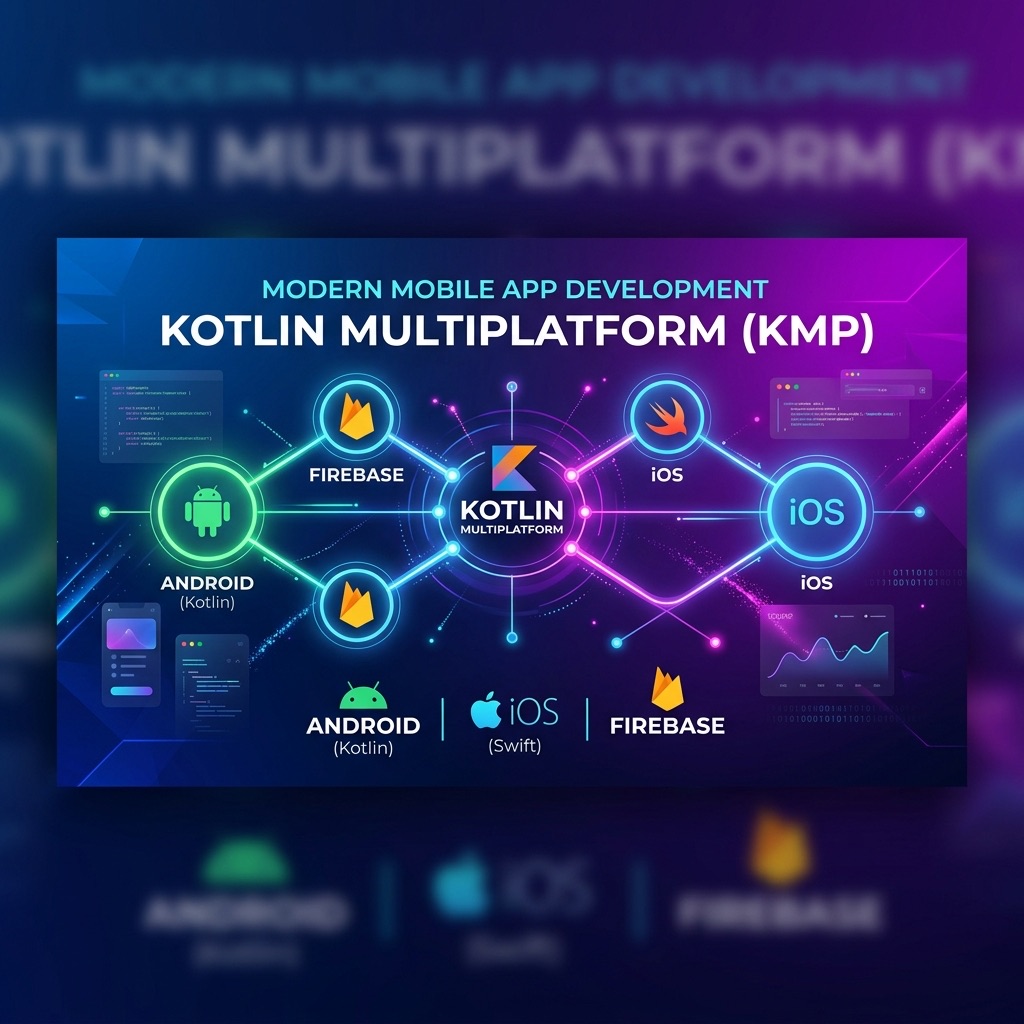
The Swift Package Manager (SPM) integration features introduced in Kotlin 2.4 address one of the longest-standing, most frustrating pain points for developers building iOS apps with Kotlin Multiplatform (KMP): native iOS dependency management.
Here is a breakdown of what exactly this feature is, the major problems it solves, and why it's a massive upgrade for the KMP ecosystem.
What is the KMP SwiftPM Feature?
Prior to Kotlin 2.4, if you wanted your shared Kotlin code to talk to native iOS libraries (like Firebase, Adjust, or Alamofire), you almost always had to use CocoaPods via the Kotlin CocoaPods plugin.
Kotlin 2.4 introduces native, direct support for Swift Package Manager through the
swiftPMDependencies block in your build.gradle.kts files. This allows you to:-
Declare Swift Package dependencies directly inside your Gradle configuration.
-
Automatically pull, resolve, and generate the necessary Kotlin bindings (cinterop) for those Swift/Objective-C libraries.
-
Import and use those Apple-ecosystem APIs directly inside your
iosMainKotlin source set.
The Problems This Solves
1. The Death of CocoaPods (and its endless CI breakages)
For years, Apple has been heavily pushing Swift Package Manager as the default, built-in dependency manager for Xcode. CocoaPods is effectively in maintenance mode and widely considered legacy.
-
The Problem: KMP forced developers to rely on the Kotlin CocoaPods plugin to bridge iOS dependencies. This configuration was incredibly brittle, required Ruby-based tooling setups, and famously triggered random CI/CD pipeline failures whenever Xcode or macOS updated.
-
The Solution: By moving to native SPM tooling directly supported by the Kotlin Gradle Plugin, you eliminate the middleman. No Ruby, no Podfiles, and no third-party legacy tooling required.
2. A Massive Friction Point for iOS Developers is Gone
Historically, iOS engineers have been highly skeptical of KMP, partly because it forced a non-standard iOS workflow onto their projects.
-
The Problem: Forcing an iOS team to use CocoaPods just because the Android/KMP team wanted to share code was a tough sell. iOS devs want to manage dependencies inside Xcode using native Swift Packages.
-
The Solution: Kotlin 2.4 bridges the gap natively. The Gradle plugin generates intermediary packages that sync seamlessly with Xcode's
Package.resolvedfiles. iOS developers can keep working the way they want, while Kotlin developers can consume those same packages seamlessly in Gradle.
3. Bidirectional Integration (Swift Export Improvements)
Dependency management is only half the battle; the other half is consuming your Kotlin code inside Swift. Alongside the SPM import feature, Kotlin 2.4 significantly pushes Swift Export forward (moving it to Alpha).
-
The Problem: Previously, KMP compiled Kotlin into a heavy, monolithic Objective-C framework (
.frameworkor.xcframework). Swift code consuming it had to deal with messy Objective-C translations (e.g., losing true Swift Type safety, dealing with rigid async-await wrappers for Kotlin Flows). -
The Solution: The overarching goal of the 2.4 updates is a future where your KMP shared module can be directly exported as a native Swift Package itself, generating clean Swift code instead of Objective-C wrappers, and offering native support for Kotlin Flows directly in Swift.
What It Looks Like in Code
Instead of dealing with messy podspecs, declaring an iOS dependency in your KMP module now looks like standard Gradle DSL:
// shared/build.gradle.kts
kotlin {
    // Other multiplatform configurations...

    swiftPMDependencies {
        // You can import local or remote Swift packages natively
        swiftPackage(
            url = "https://github.com/firebase/firebase-ios-sdk.git",
            exactVersion = "10.20.0" // Or whatever version you plan to use
        )
    }
}
Once synced, you can immediately jump into your iosMain Kotlin files and write:
import swiftPMImport.org.example.package.FIRAnalytics // Direct native SPM import

fun logEvent(name: String) {
    FIRAnalytics.logEventWithName(name, parameters = null)
}
If you are starting a new KMP project or maintaining an existing one, JetBrains explicitly recommends migrating away from CocoaPods and using the native SwiftPM integration from the start.
What's Next?
Now that we understand why we are using the new SwiftPM integration, it's time to write some code.
In Part 2 of this series, we will set up a brand new KMP project using AGP 9, declare our remote Swift dependencies, and implement Firebase Authentication natively inside our shared Kotlin module using Clean Architecture.
💬Comments
Loading comments...
Enjoyed this article?
Subscribe to my newsletter to get the latest articles on Android architecture, KMP, and mobile engineering straight to your inbox.